Paper in, clean data out
Turn fiscal notes, weigh tickets and invoices into clean data and on-time billing
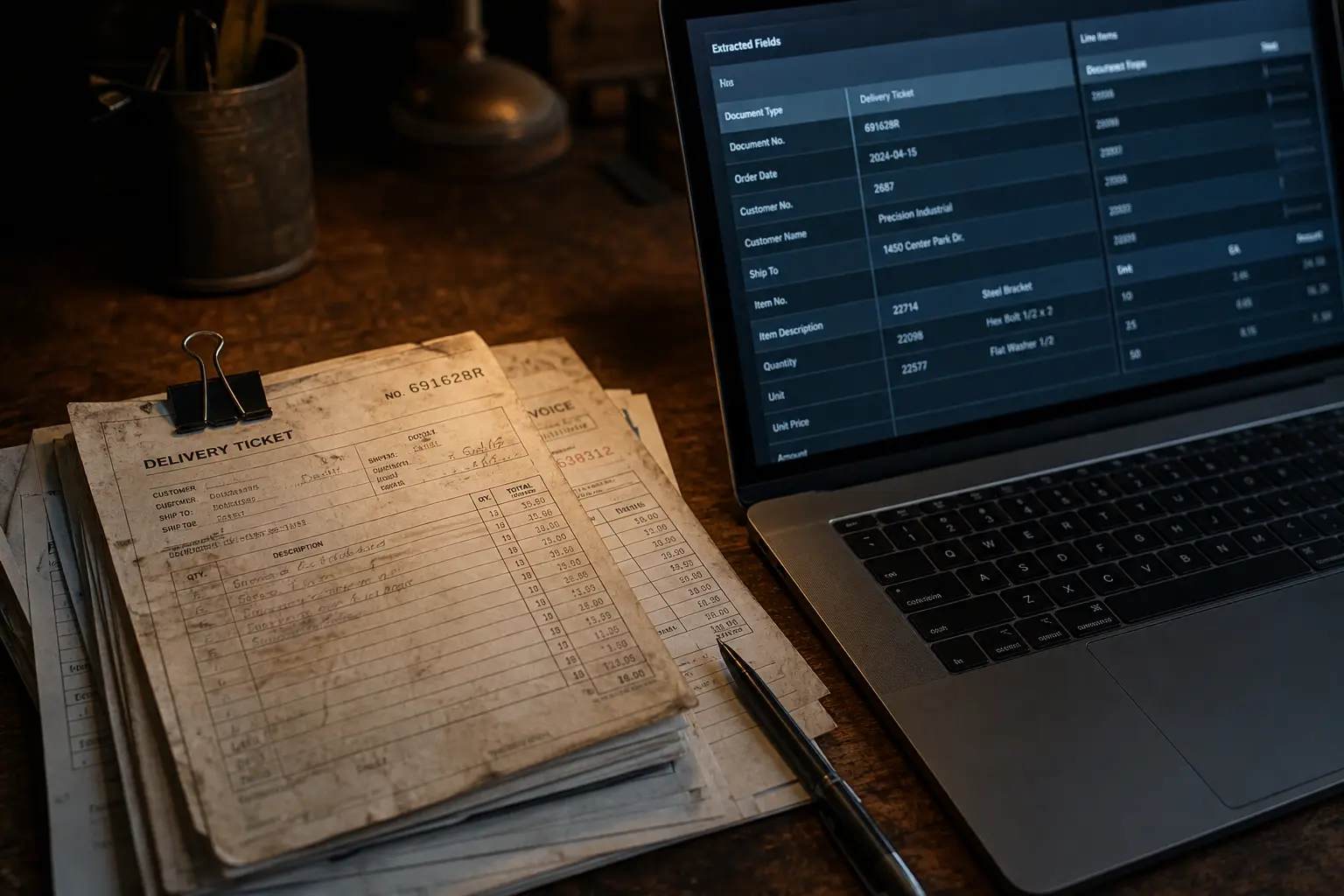
Every operations business has a pile: fiscal notes, weigh tickets, delivery slips, supplier invoices, statements. Someone types them into a spreadsheet, someone else checks them, and the billing cycle waits. We replace that pile with a pipeline.
Outcomes
What changes in the first month
- Hours of daily data entry removed from the office workload
- Tickets grouped into invoice-ready batches per customer, per job site, per period
- Missing, duplicate and mismatched documents flagged the day they happen — not at month end
- A searchable archive where any ticket, note or invoice can be found in seconds
The problem
Why this work stays manual
The data exists, but not where it is useful
Weights, products, prices and job sites arrive as PDFs, photos and email text, then get retyped — with typos — into spreadsheets that drive your billing.
Revenue leaks quietly
A ticket that never makes it into the batch is a load you gave away. Duplicates and wrong weights turn into customer disputes and credits.
Month end is a manual reconciliation marathon
Matching tickets to orders, notes to invoices and invoices to payments is done by eye, and it always lands on the same one or two people.
Capabilities
What the system does
Configured to your rules, your language and your escalation thresholds — not a generic template.
Any input, one pipeline
Email attachments, PDFs, scans, phone photos from drivers, shared drives and downloads from your existing scale or ticketing software all land in the same intake.
Field-level extraction
Customer, product or grade, gross and net weight, tonnage, ticket number, truck and driver, job site, date and time, price, tax and cost centre — extracted and normalised.
Validation and exception queues
Rules check totals, tax, price sheets, sequence gaps and duplicates. Anything uncertain goes to a short review queue instead of silently entering your books.
Reconciliation
Tickets are matched to orders and fiscal notes, and mismatched weights, missing loads and double-billed tickets are surfaced with the evidence attached.
Billing packet generation
Matched tickets are grouped into invoice batches with backup documents attached and pushed to your accounting system, ready for approval.
Archive and audit trail
Every document is stored with its extracted fields, its source, who reviewed it and what changed — searchable by customer, ticket number, truck or date.
Deployment
How it goes live
- 01
Document audit
We collect two to four weeks of real documents and map every field you actually use, plus the rules your staff apply from memory.
- 02
Pipeline build
Intake, extraction, validation rules, exception handling and the destination format for your sheets or accounting system.
- 03
Shadow run
The pipeline runs beside your manual process for a week. We compare outputs line by line until the numbers match.
- 04
Cutover and monitoring
You switch to reviewing exceptions instead of typing everything. We monitor accuracy and tune rules as new document types appear.
Works with
The software behind it
Built and operated by us, not licensed from someone else
This service runs on software we wrote and keep running. You can see it, and in one case buy it on its own.

In practice
Where this has been deployed

Five brands, one automated back office
A group running five consumer and industrial brands replaced spreadsheet reporting, manual support drafting and lost voicemails with a single automation layer across every storefront.
Read the detail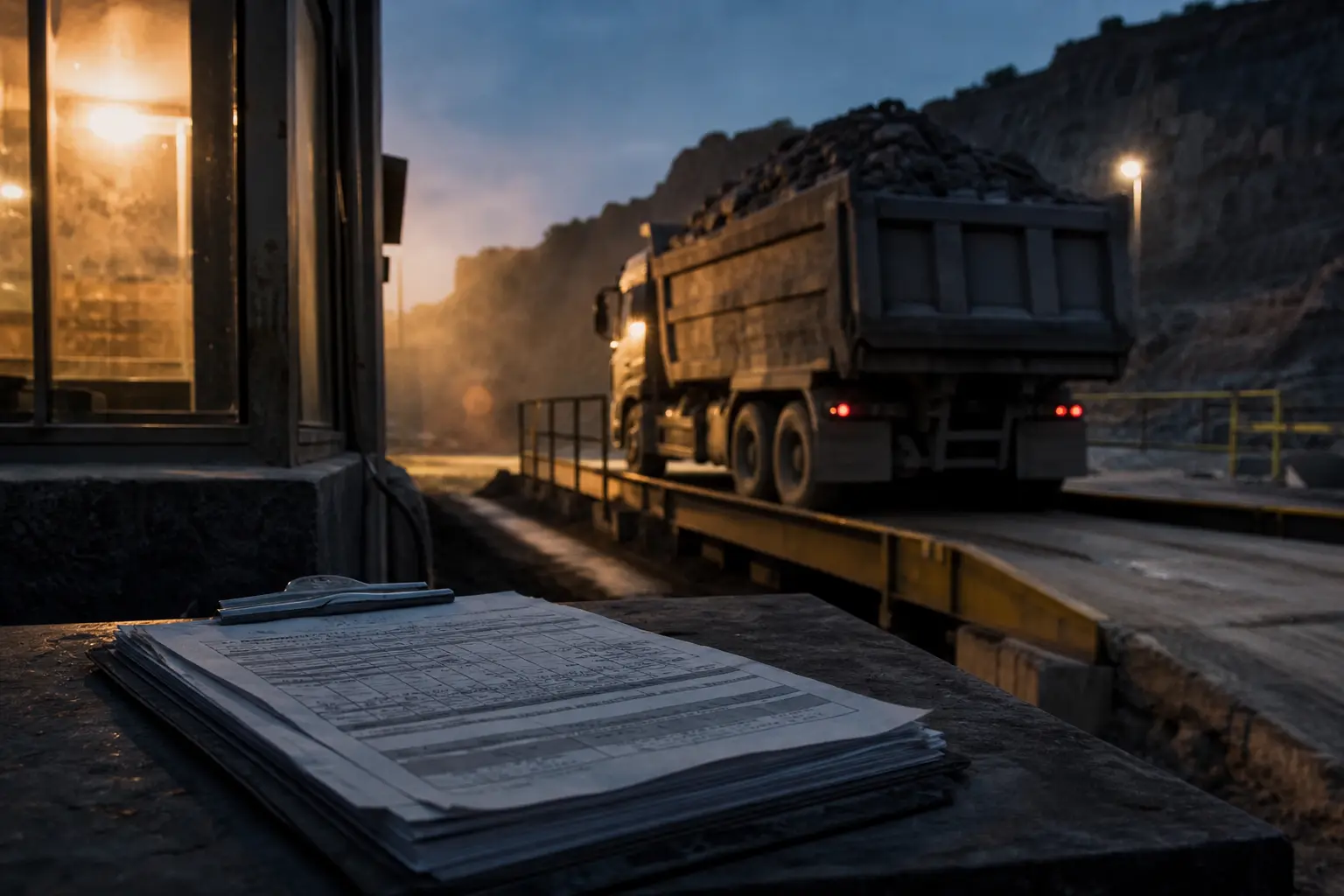
From fiscal notes and Excel to same-day billing packets
How a quarry running on fiscal notes, email and spreadsheets gets to automated ticket capture, daily reconciliation and invoice-ready batches without touching its scale house software.
Read the detail
Measuring what the cutting line actually produced
Camera-based piece counting, dimension measurement and tonnage estimation for stone guillotines and cutting lines — the production number no scale ticketing system produces.
Read the detail
Every document filed, every renewal caught
Tax letters, utilities, insurance renewals and vendor invoices routed automatically to the right property, with deadlines extracted and reminders sent before anything is due.
Read the detailQuestions we get asked
How accurate is the extraction?
On stable document types we target near-perfect field accuracy, and we prove it in a shadow run before cutover. Anything the system is not confident about goes to a review queue rather than into your books.
Do we have to replace our scale or ticketing software?
No. We read what it produces and push clean data back where you need it. Most quarries and yards keep their scale house software exactly as it is.
What about handwritten tickets?
Handwriting is supported with confidence scoring; anything ambiguous is routed to a human check with the image side by side, which is still far faster than typing every ticket.
Ready to scope document automation?
Bring one workflow that eats your week — calls you miss, documents you retype, reports you rebuild. We will map it, tell you what it costs to automate, and what we would do first.