Inbox to order
Orders, quotes and questions pulled out of your inbox and turned into work
"Can you send 30 tons of 3/4 crushed limestone tomorrow?" is an order, not an email. We parse every message into structured fields, create the order or quote, notify the right person, and draft the reply your team would have written.

Outcomes
What changes in the first month
- Orders and quote requests captured the minute they arrive, with nothing buried under newsletters
- Consistent, policy-aware replies drafted from your own history instead of written from scratch
- Dispatch, sales and accounting notified automatically with the details they need
- A clean, categorised dataset of every customer conversation you have ever had
The problem
Why this work stays manual
The inbox is the real order system
Orders, changes, complaints and invoices all arrive in the same place, and the only index is somebody's memory.
Answers depend on who replies
The same question gets three different answers depending on who is on shift, and new staff take months to learn the exceptions.
Institutional knowledge is trapped
Years of email contain your real pricing logic, product rules and policies — unusable until it is parsed and structured.
Capabilities
What the system does
Configured to your rules, your language and your escalation thresholds — not a generic template.
Parsing and categorisation
Every message is broken into date, sender, recipient, subject and body, then classified into your own categories: orders, quotes, technical questions, payments, complaints, suppliers, noise.
Order and quote extraction
Product, grade, quantity, delivery date, job site, contact and special instructions are extracted and written into your order sheet or system.
Knowledge-grounded drafting
Replies are drafted from your historical email, product data and policies, with the source messages cited so staff can verify in one glance.
Routing and alerts
Dispatch gets the load, sales gets the quote, accounting gets the remittance, and urgent messages escalate by SMS.
Deduplication and threading
Checksum-based deduplication and thread awareness keep repeat forwards and reply chains from creating duplicate orders.
Support agent foundation
The structured archive becomes the knowledge base behind your help desk automation, so ticket replies stay consistent with what you have always told customers.
Deployment
How it goes live
- 01
Inbox and category design
We review real mail volume, define the categories that matter operationally, and agree what the system may answer alone.
- 02
History ingestion
Historical mail is parsed, deduplicated and indexed so drafts are grounded in what your business actually says.
- 03
Draft-only phase
For the first weeks the system drafts and routes but a human sends. Every correction improves the model of your business.
- 04
Selective autonomy
Once accuracy is proven, low-risk categories such as order confirmations and stock questions can send automatically while quotes stay human-approved.
Works with
The software behind it
Built and operated by us, not licensed from someone else
This service runs on software we wrote and keep running. You can see it, and in one case buy it on its own.
Boltsolve
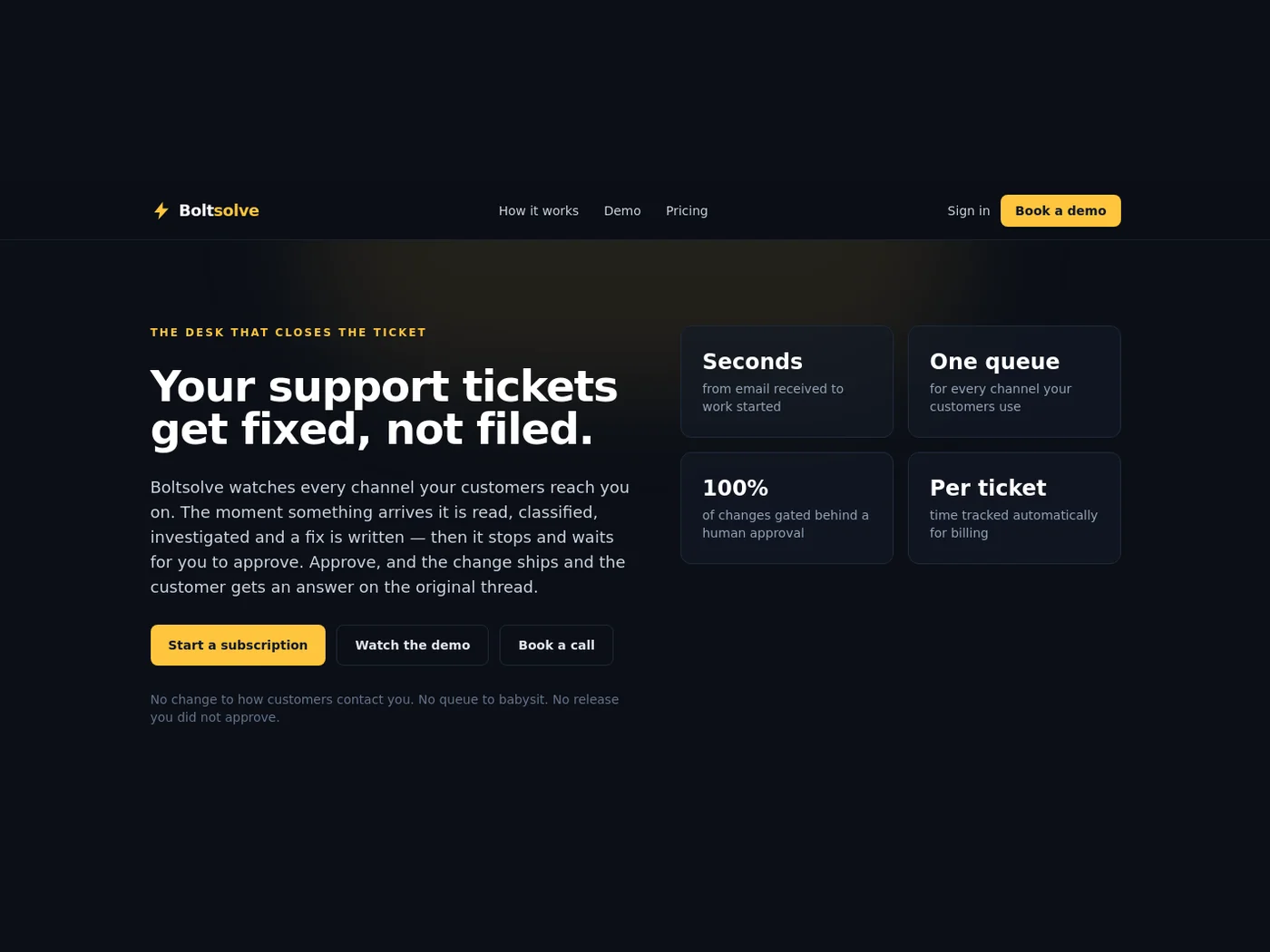
Boltsolve is our AI support desk: every channel lands in one queue, the AI classifies and investigates each ticket, prepares the actual fix, and waits for a human to approve before it ships and replies on the original thread.
boltsolve.com
Shopify connector
The Shopify Agent Connector is our middleware between AI agents and Shopify stores: agents look up order status and product details during a conversation, and create or update customer records without ever creating a duplicate.
In production on client storesIn practice
Where this has been deployed

Five brands, one automated back office
A group running five consumer and industrial brands replaced spreadsheet reporting, manual support drafting and lost voicemails with a single automation layer across every storefront.
Read the detail
From fiscal notes and Excel to same-day billing packets
How a quarry running on fiscal notes, email and spreadsheets gets to automated ticket capture, daily reconciliation and invoice-ready batches without touching its scale house software.
Read the detailQuestions we get asked
Will it send emails without us seeing them?
Only where you explicitly allow it. We start in draft-only mode, and most clients keep quotes and pricing under human approval permanently while letting confirmations and simple answers go out automatically.
Can it work with our help desk instead of raw email?
Yes. The same pipeline runs against help-desk tickets and shared inboxes, and it can write suggested replies directly into the ticket.
Ready to scope email & order intake?
Bring one workflow that eats your week — calls you miss, documents you retype, reports you rebuild. We will map it, tell you what it costs to automate, and what we would do first.